
Skip to content

Deferment

We’re Ready When You Are

Your place at Snow is waiting, and we are here to support you, every step of the way.

There's no place like Snow - Logo

You’re Not Starting Over

Stepping away doesn’t mean falling behind

Taking time away from college is more common than you might think—and every journey looks a little different. Whether you stepped away for work, service, family, health, or personal growth, your path is still yours to continue.

At Snow College, you’re not starting over—you’re picking up where you left off in a place where you’re known and supported.

Every experience adds to your story—and prepares you for what comes next.
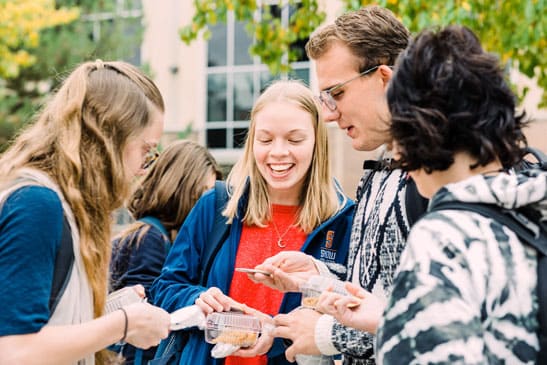

Stay Connected to Snow

Even while you’re away, you’re still part of the Snow community. Staying connected makes your return even smoother:

  • Check your Snow College email for updates
  • Follow @snowconnectioncenter for news and reminders
  • Attend campus or community events when you can
  • Reach out with questions anytime

Student Around Campus

Ready to Return? Start Here!

Getting back to Snow is easier than you might think.

1

Contact Admissions

Let us know you’re planning to return

2

Complete Financial Aid

Submit or update
your FAFSA

3

Meet with an Advisor

Plan your classes and
next steps

4

Register for Classes

Log in to my.snow.edu
and secure your schedule

Support for Families

Families and support systems play an important role in helping students return to college with confidence.

How you can help:
  • Encourage your student as they prepare to return
  • Talk through goals, timelines, and next steps
  • Help them stay organized with important deadlines
  • Connect them with campus resources when needed

Understanding FERPA

Your academic and financial information is protected by federal privacy laws (FERPA). This means we communicate directly with you about your records.

If you’d like a parent or support person to speak with Snow College on your behalf in your absence, you can complete a FERPA Release Form.

FERPA Release Form