-
Go to https://badgerweb.snow.edu or https://my.snow.edu and enter student email and click Next
If using badgerweb follow steps 2-3, if using my.snow.edu skip to step 3.1
Click HERE if you need help with student email setup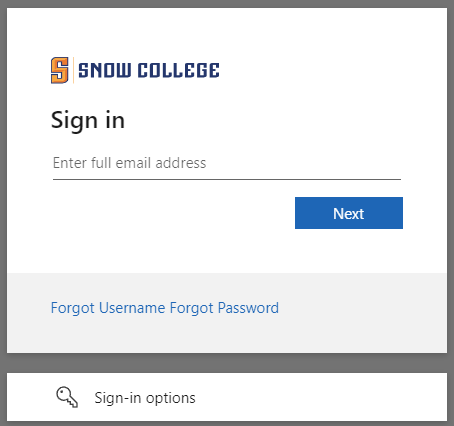
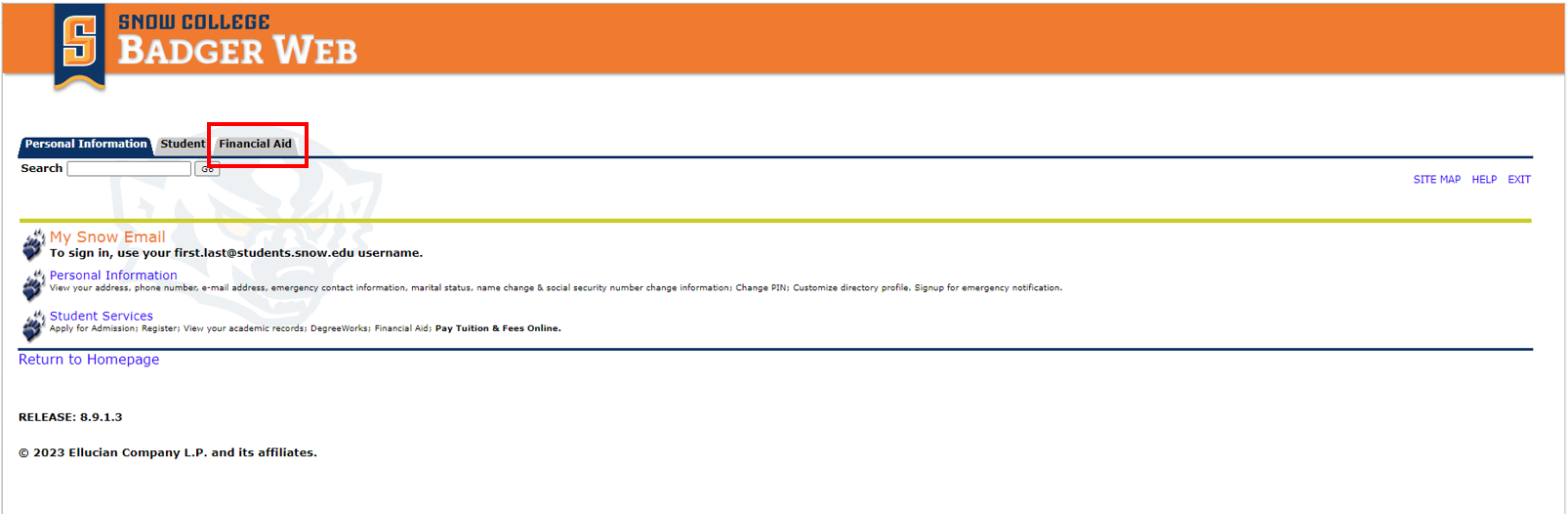
- Click the Financial Aid tab
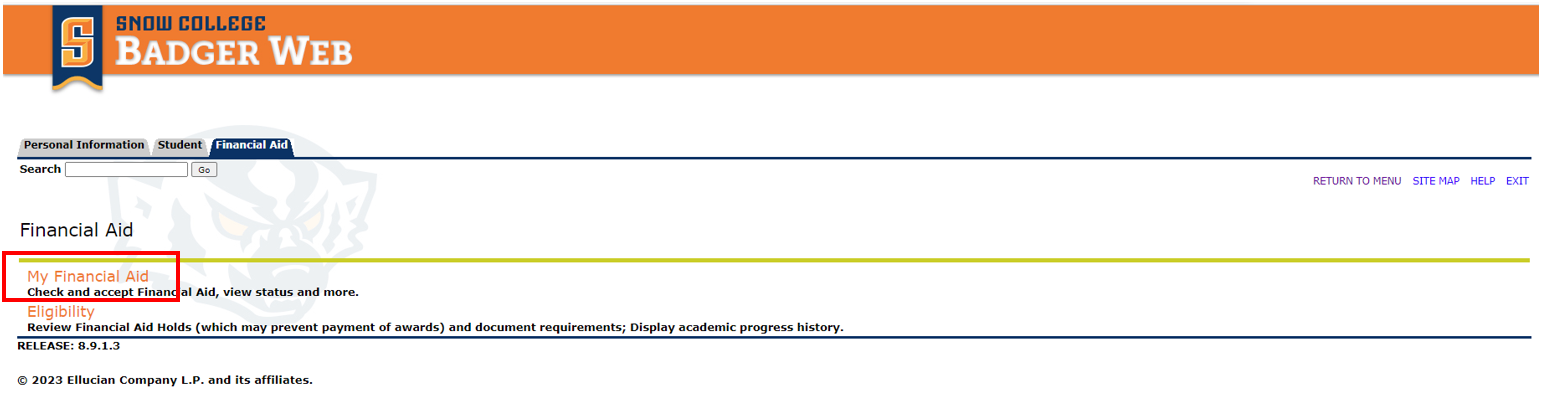
- Click 'My Financial Aid
3.1 (If using my.snow.edu) Click on 'Financial Aid' in Quick Links Tile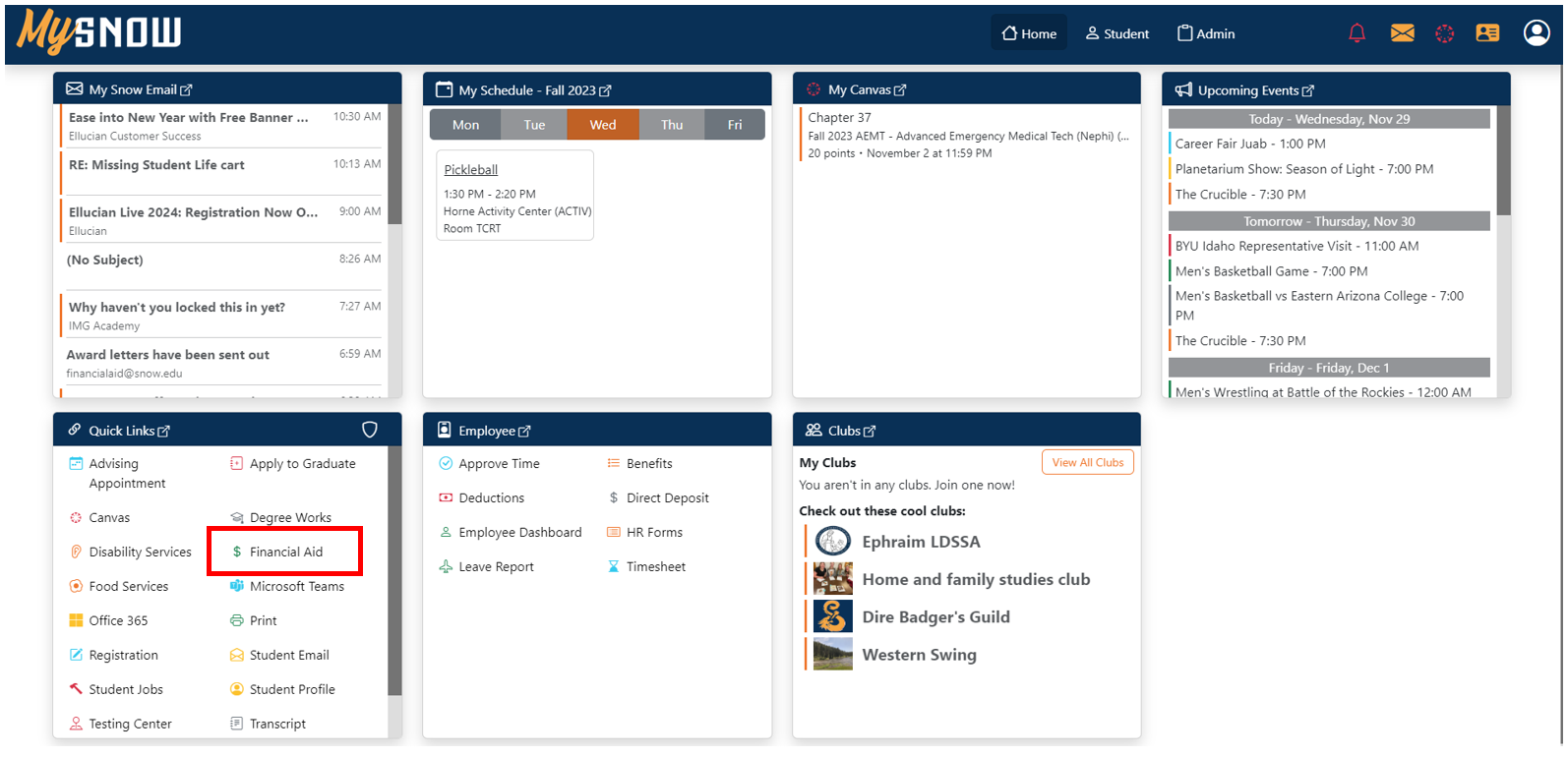
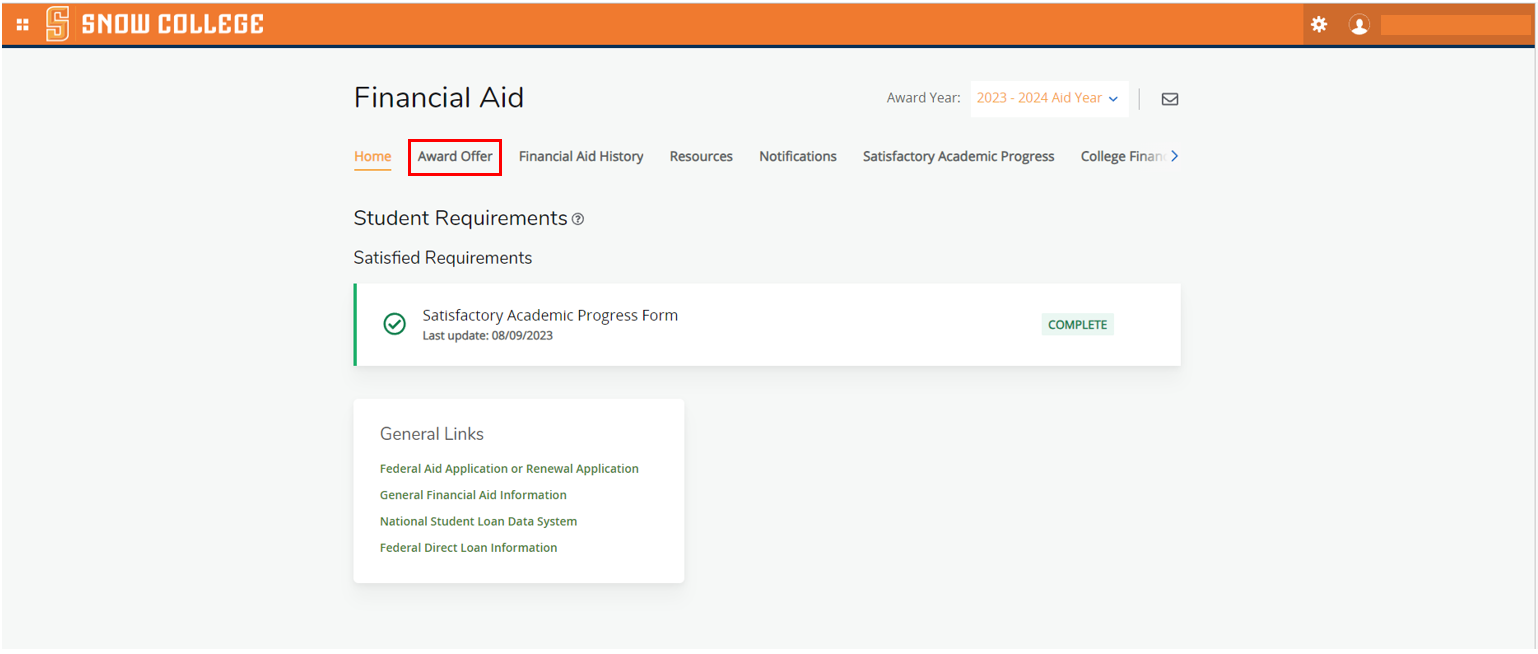
- Click 'Award Offer' tab
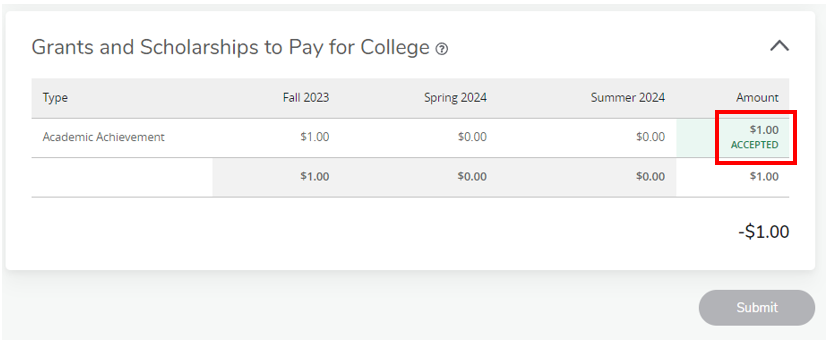
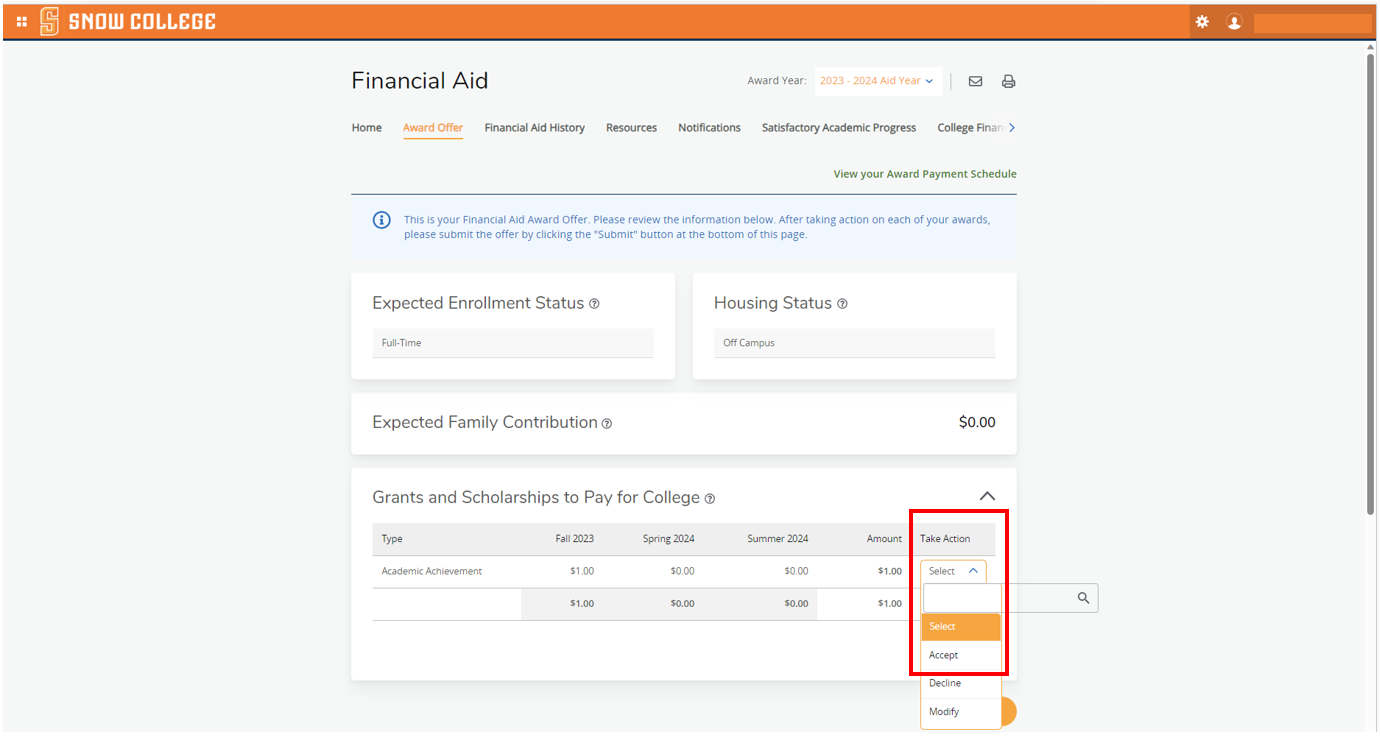
- Click on the 'Take Action' drop down and select Accept.
- Finally click 'Submit'
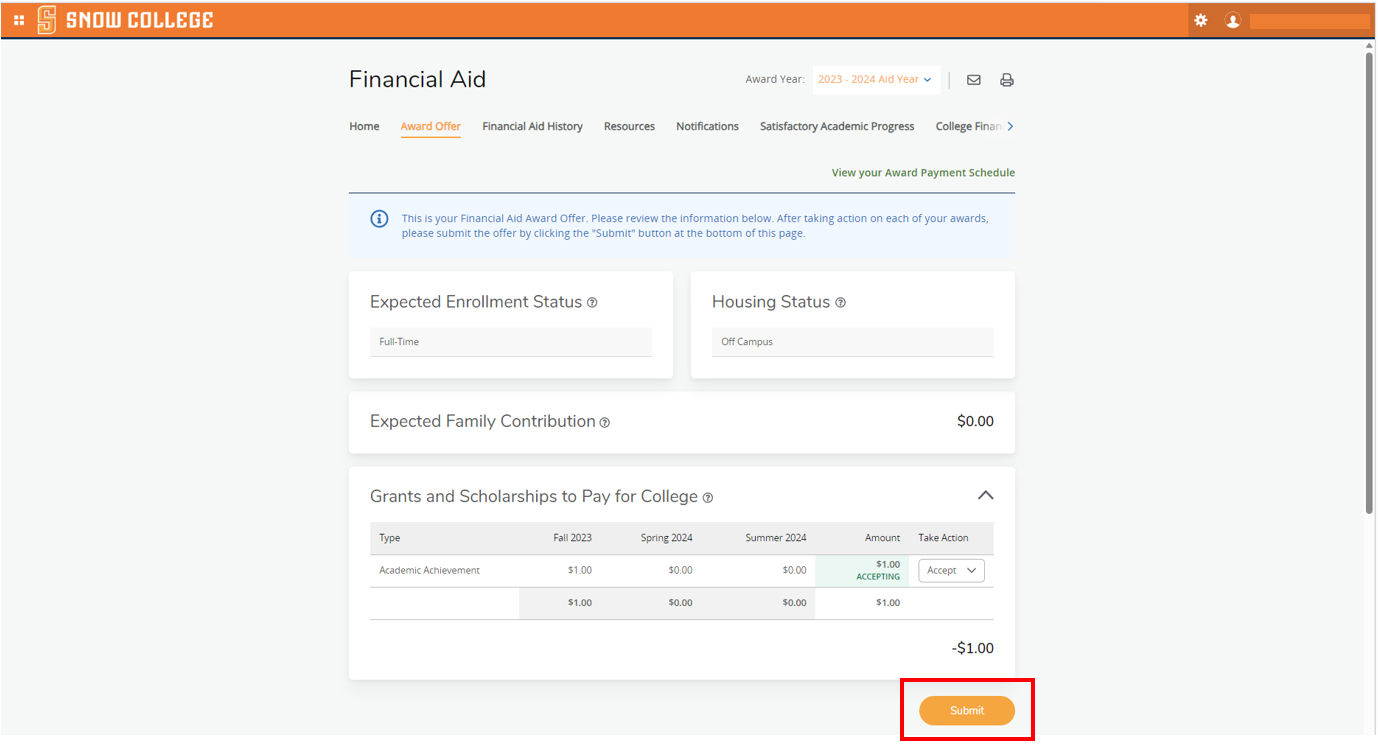
- Your awarded has been Accepted